COLLECTIONS
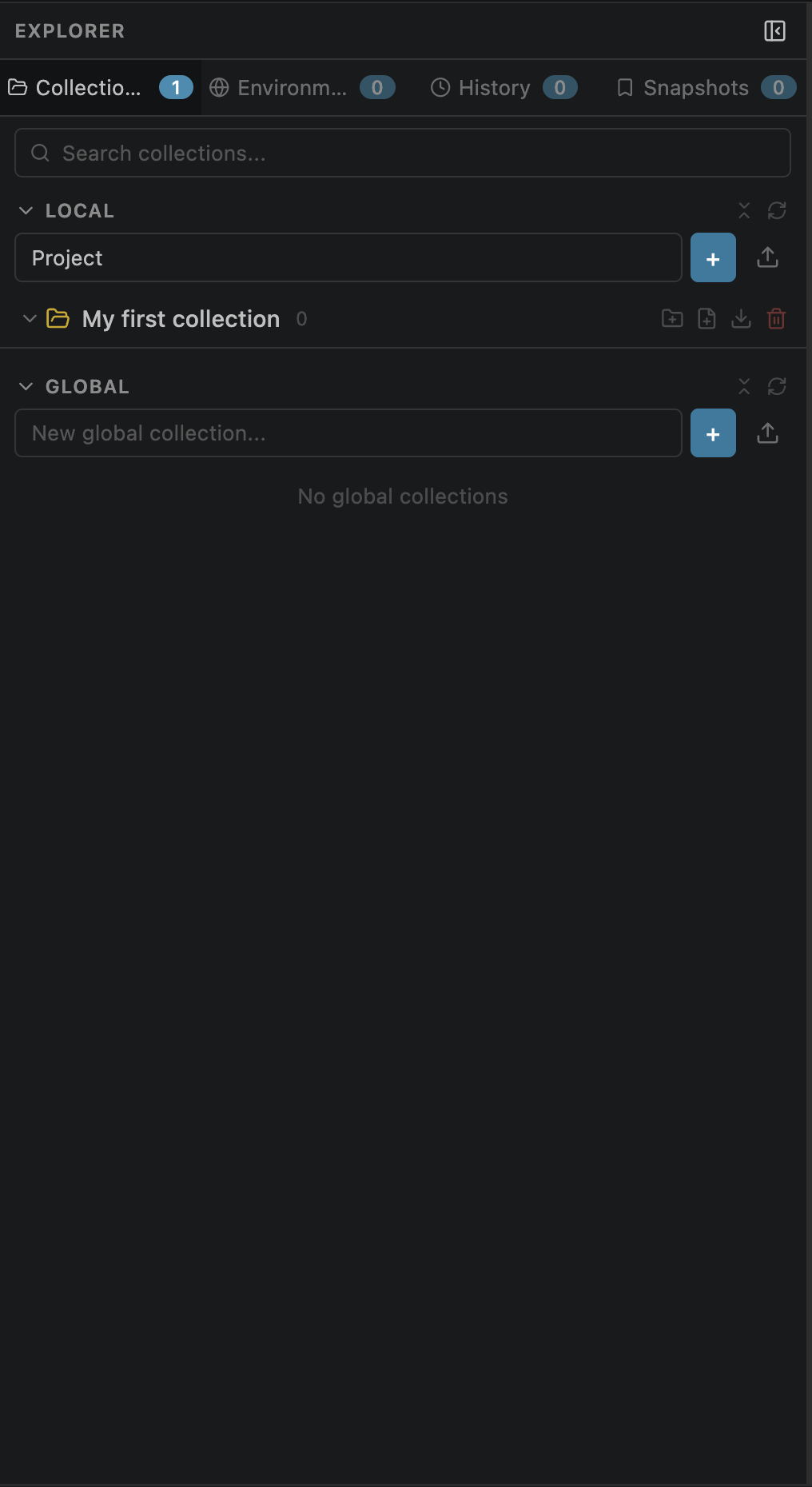
Local vs Global Scope
Collections exist in one of two scopes, determining where they're stored and who can see them:
Local
Stored in .openpost/collections.json inside your workspace. Workspace-specific and git-committable — share with your team by committing the file.
Global
Stored in ~/.openpost/global/collections.json. Shared across all VS Code workspaces on your machine.
Creating a Collection
Create a new collection from the sidebar in a few steps:
Open the Collections tab in the sidebar
Type a name in the input field at the top
Choose Local or Global from the scope selector
Press Enter to create
• New collections start empty — no folders or requests.
• Each collection receives a unique UUID v4 identifier.
• You can also create collections programmatically via the Management MCP server using the create_collection tool.
Renaming
Two ways to rename a collection:
Collection Editor
Click the collection name in the sidebar to open the Collection Editor, then click the name at the top to make it editable. Press Enter or click away to save.
Context Menu
Right-click the collection in the sidebar and select Rename.
The name is stored in collections.json — no file rename is needed on disk.
Deleting
Remove a collection and all its contents permanently:
Saving Requests to a Collection
Once you've built and tested a request, save it to a collection for reuse:
| Action | Shortcut | Behavior |
|---|---|---|
| Save | ⌘S / Ctrl+S | First save opens the save dialog; subsequent saves go to the same location (quick save) |
| Save As | — | Save a copy to a different collection or folder |
| Save copy to | — | Dropdown showing both Local and Global collections with scope labels |
Scope Labels & Visibility
Understanding when and where collections appear:
| Scope | Visibility | Best for |
|---|---|---|
| Local | Only visible in the workspace it belongs to | Project-specific APIs, team-shared via git |
| Global | Visible in every workspace on your machine | Shared utilities, auth tests, health checks |