← Back to Overview

HTTP CLIENT

Tabs & Sessions

Multi-tab interface with session persistence, grouping, concurrent requests, and smart close behavior.

Multi-Tab Interface

Each request opens in its own tab. Open unlimited tabs simultaneously — there's no cap on how many you can have active at once.

Method badge — colored label showing GET, POST, PUT, etc.
Request name or URL — saved requests show the name, unsaved show the URL
Dirty indicator (●) — appears when the tab has unsaved changes
New tab: Click the + button or press Cmd+T to create an empty request tab.

Session Persistence

Tabs persist across VS Code sessions. When you close and reopen VS Code, all tabs restore with their last state:

URL — full URL with query params
Headers — all custom headers
Body — request body content
Params — query parameters
Response — last received response
Auth — auth configuration
Storage: Session data is stored in .openpost/session.json in your workspace root. This file is automatically updated as you work.

Tab Grouping

Enable via Settings → 'Grouped Tabs'. Groups tabs by their source collection for better organization.

Tabs are grouped by their source collection name
Click a group header to collapse/expand the group
Ungrouped tabs (unsaved requests) appear in an 'Unsaved' group
Grouped tabs — collections shown as collapsible groups

Grouped tabs — collections shown as collapsible groups

Stacked View

Enable via Settings → 'Collapsed Tabs'. Shows tabs in a compact vertical list instead of the horizontal tab bar.
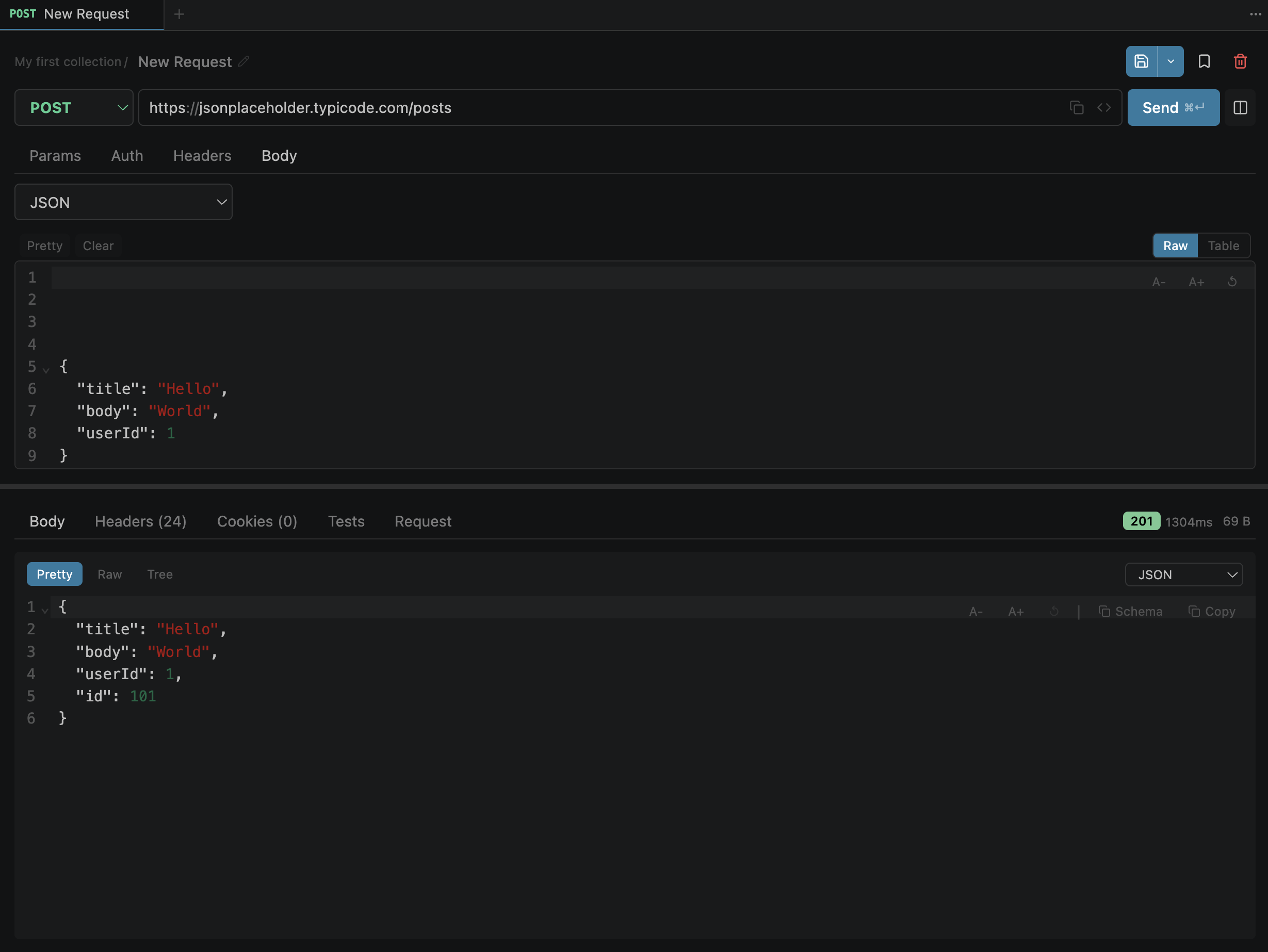
Better for narrow panels or when you have many open tabs
Shows method + name in a single compact line
Takes up less vertical space than the standard tab bar
Stacked (collapsed) tab view

Stacked (collapsed) tab view

Context Menu

Right-click any tab (or use the 3-dot menu) for quick actions:
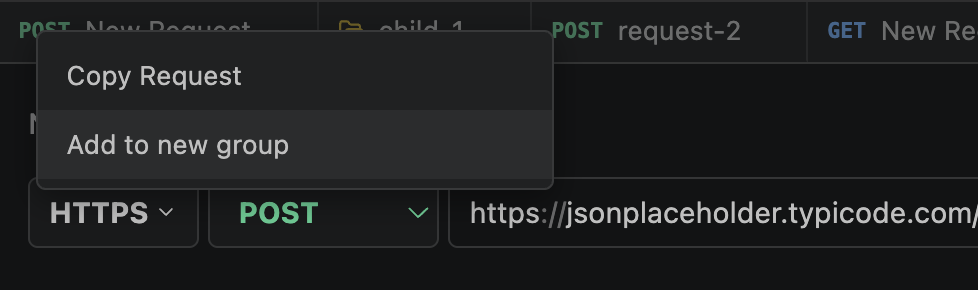
Close— close this tab
Close Others— close all except this
Close All— close every tab
Close Saved— close tabs without changes
Copy as cURL— copy request as cURL
Duplicate— duplicate to new tab
Add to Group— assign to a tab group
Right-click context menu on a tab

Right-click context menu on a tab

Dirty Indicator

A dot appears on tabs with unsaved changes. Closing a dirty tab shows a confirmation dialog:

Save Don't Save Cancel

Changes tracked:

URL method headers params body auth scripts test rules

Concurrent Requests

Multiple tabs can have in-flight requests at the same time. Each tab operates independently:

Independent loading spinner — each tab shows its own progress
Per-tab cancel button — cancel one request without affecting others
Isolated responses — responses route to the correct tab via tabId
Auto-cancel on close — closing a tab with an in-flight request cancels it automatically
Implementation: The extension uses a Map<string, AbortController> keyed by tabId — cancelling one tab's request does not affect others.

Close Behavior

Closing a tab triggers cleanup to prevent orphaned resources:

ActionWhat happens
HTTP request in-flightRequest is cancelled via AbortController
WebSocket connectedConnection is disconnected
Session dataTab is removed from session.json

Shortcuts:

Middle-click — close a tab Cmd+W — close active tab

Next

Ko-fi