GETTING STARTED
Supported Editors
API Studio supports all VS Code-based editors and IDEs. Install it the same way you'd install any extension in your editor.
 VS Code
 Cursor
 Windsurf
 Kiro
Kiro
 Antigravity
Any editor built on the VS Code extension platform is supported — including VSCodium, Theia, and Gitpod.
Where to Get It
Step-by-Step Installation
1 Install from Extensions Panel
- a. Open the Extensions panel — click the Extensions icon in the Activity Bar or press Ctrl+Shift+X (Windows/Linux) or Cmd+Shift+X (macOS)
- b. Search for "API Studio"
-
c.
Click Install on the result published by
open-post - d. Once installed, click the ⚡ icon in the Activity Bar or press Ctrl+Alt+P / Cmd+Alt+P to open API Studio
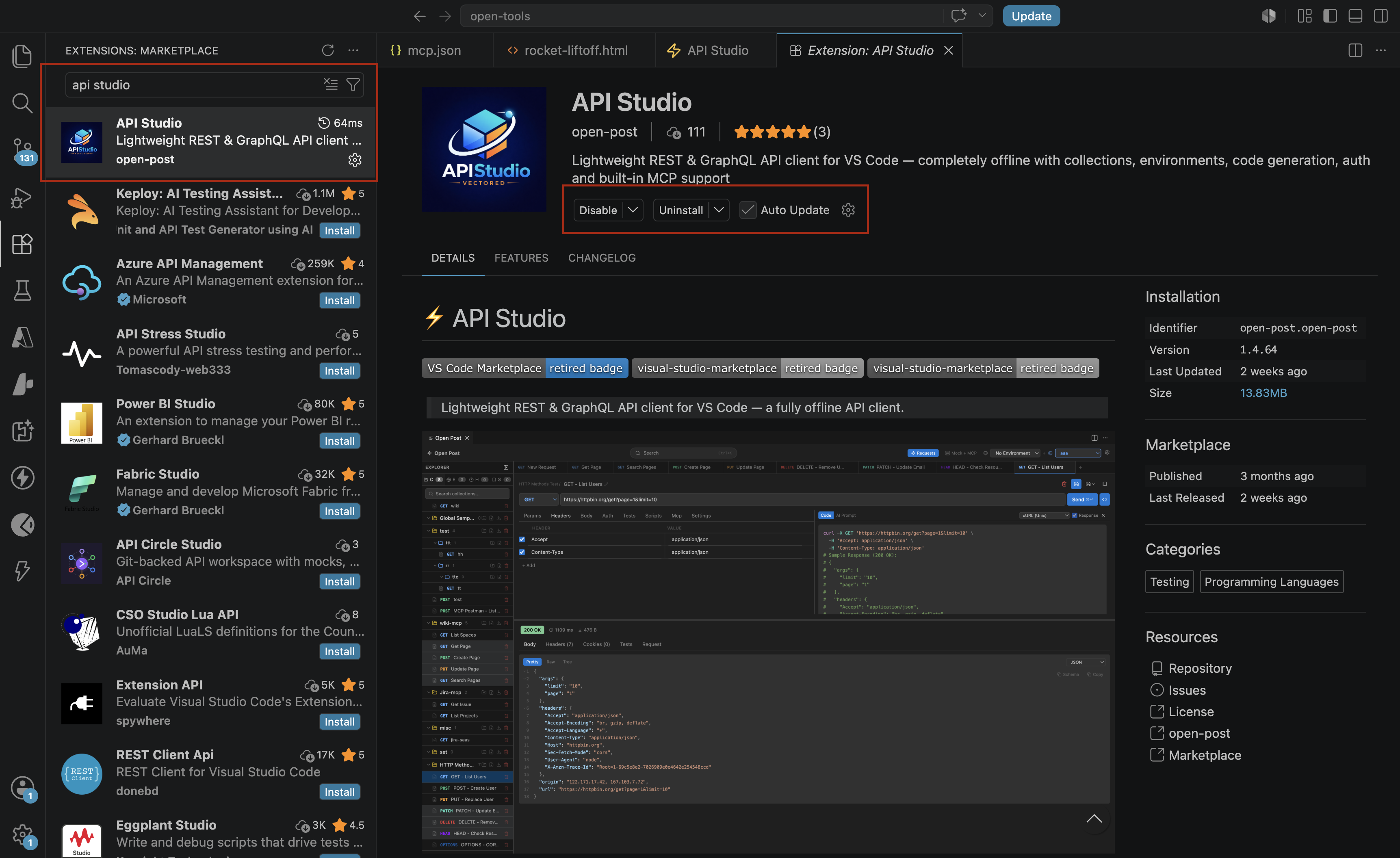
Search for "API Studio" in the Extensions panel and click Install
2 Install via Command Palette
- a. Open the Command Palette with Ctrl+Shift+P / Cmd+Shift+P
-
b.
Type
ext install open-post.open-postand press Enter
3 Install via Terminal
code --install-extension open-post.open-postFor Cursor, use cursor --install-extension open-post.open-post
4 Install from VSIX (Offline)
-
a.
Download the
.vsixfile from the marketplace page or GitHub releases - b. Open Command Palette → Extensions: Install from VSIX...
-
c.
Select the downloaded
.vsixfile
CLI Installation (npm)
The openpost CLI lets you run collections from CI/CD pipelines. It reads the same .openpost/ files as the VS Code extension.
# Install globally (recommended)
npm install -g openpost

# Verify installation
openpost --version

# Or run without installing
npx openpost --help
Requires Node.js 18 or later.
Verify Installation
After installing, verify API Studio is working:
- 1 Look for the ⚡ API Studio icon in the Activity Bar (left sidebar)
- 2 Click it — the webview panel opens with a new request tab
-
3
Enter
https://jsonplaceholder.typicode.com/posts/1and click Send - 4 You should see a 200 OK response with JSON body
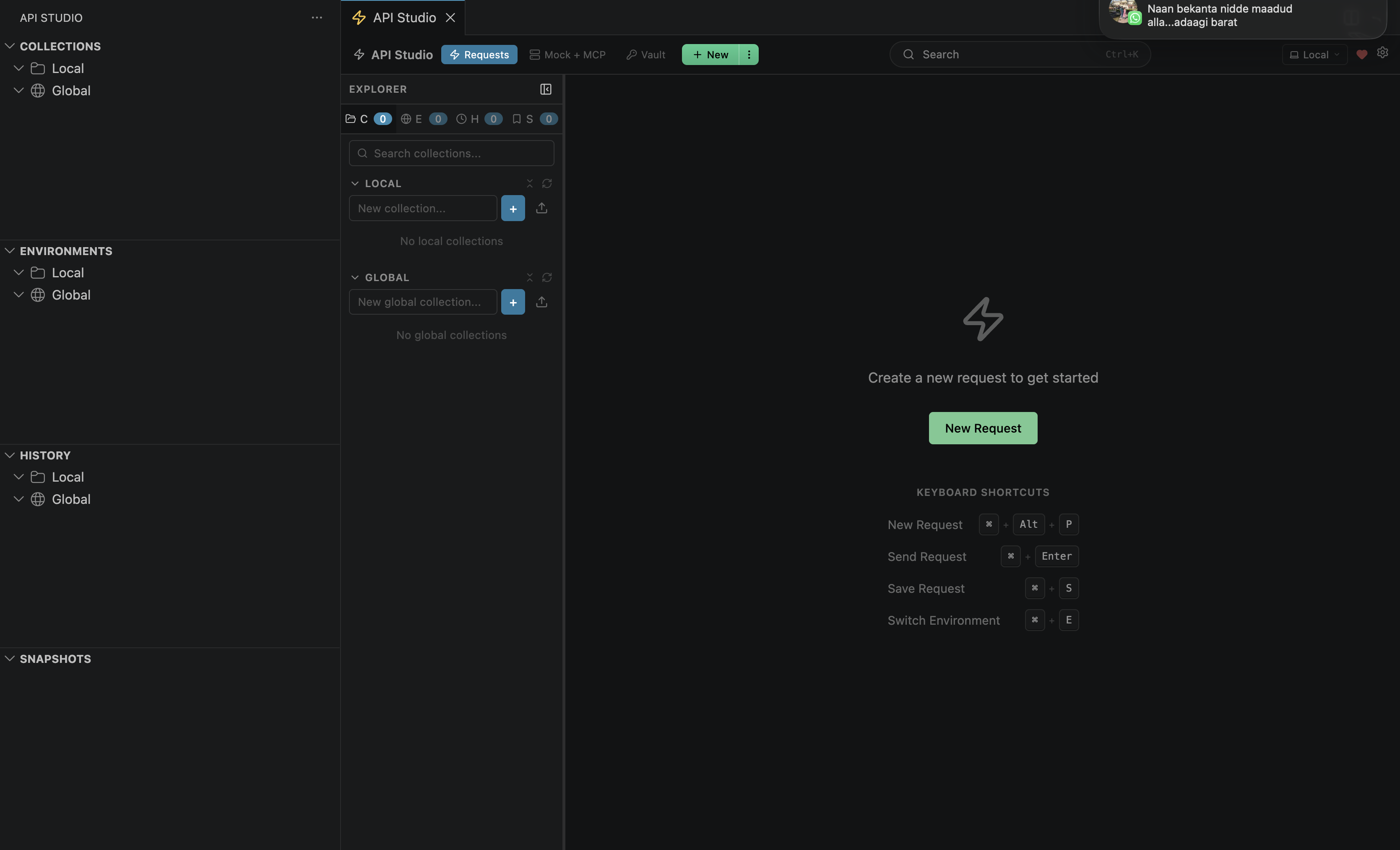
API Studio panel open with a new request tab ready to use
System Requirements
| Component | Minimum Version |
|---|---|
| VS Code / Cursor / Windsurf / Kiro | 1.85.0 |
| Node.js (CLI only) | 18.0 |
| Operating System | Windows, macOS, or Linux (any architecture) |
| Network | Not required — fully offline after install |
Next: Quick Start
Installed? Send your first request in under 60 seconds.
Quick Start →