Share Dialog
Every card has a share button (share icon) opening three tabs: Direct link, Email, and Macro ID.
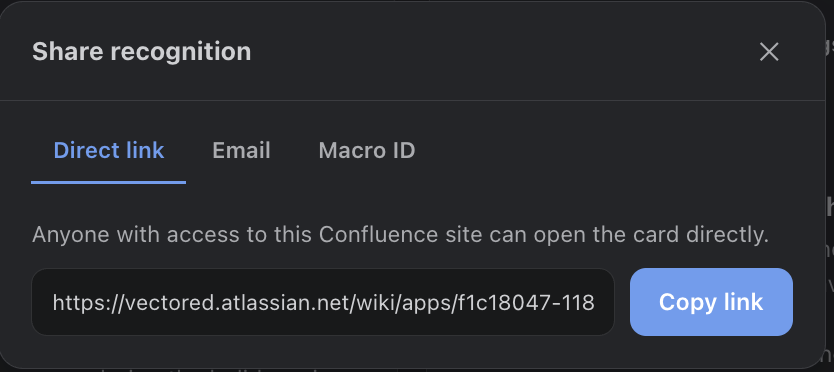
Direct Links
The direct link deep-links into the hub and opens that recognition as a popup over the mural — same link used in notification emails' “View this recognition” button. Anyone with access to your Atlassian site can open it.
Sharing by Email
The Email tab lets you send the recognition to teammates on your site (searchable picker) and to raw email addresses for people the picker can't find. Sends use your configured email provider and the same rich template as notifications.
Email leaves the Atlassian platform. Everything else in Recognition Hub stays inside Atlassian, but to actually reach a recipient’s inbox, email must be delivered through AWS SES — so the message content (title, note, value, GIF still, deep link) transits AWS to be sent. With the built-in credentials, that path is the app’s AWS SES. If you want complete data locality — no recognition data leaving infrastructure you control — set up your own AWS SES (access key, region, verified from-address) under Settings > Email, so mail is sent through your own AWS account. Email is the only feature that egresses beyond Atlassian.
Recognition Card Macro
The page macro is Confluence only — Jira has no page-macro equivalent. Copy the Macro ID from the share dialog, then on any Confluence page type /Recognition Card, insert the macro, and paste the ID. The live card — reactions and comments included — renders right on the page.