How Notifications Work
When a recognition is posted, one email goes out per recognition: all recognized users in To, the sender in Cc. The email is a rich, branded card — title, message, value chip, GIF still frame, and a deep link back to the recognition. Self-recognitions never send mail.
AWS SES
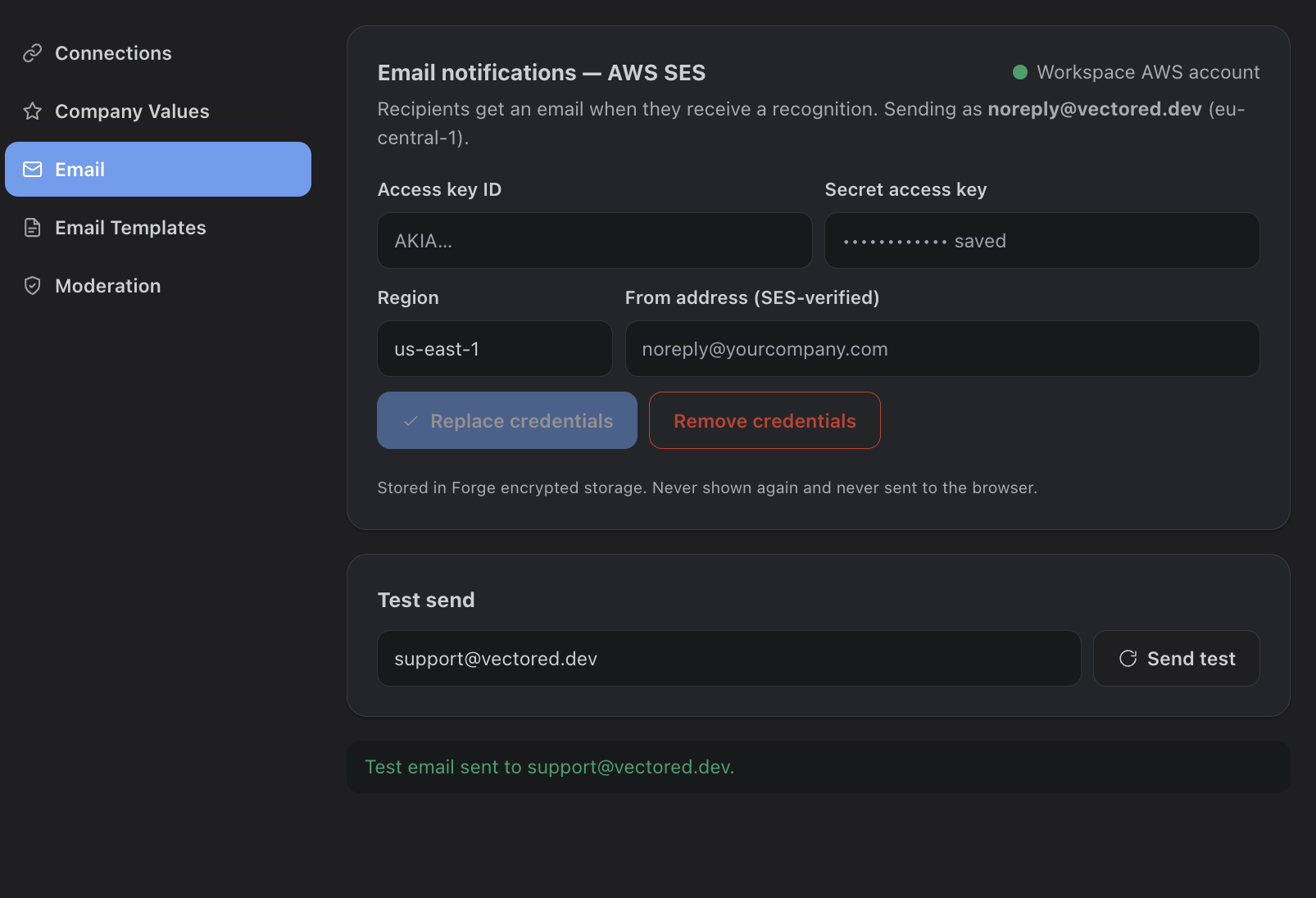
Delivery uses AWS SES. The app ships with built-in credentials so email works out of the box, and admins can override with their own AWS access key, region, and SES-verified from-address under Settings > Email (credentials are write-only and stored encrypted). A test-send button verifies the setup.
Email leaves the Atlassian platform. Everything else in Recognition Hub stays inside Atlassian, but to actually reach a recipient’s inbox, email must be delivered through AWS SES — so the message content (title, note, value, GIF still, deep link) transits AWS to be sent. With the built-in credentials, that path is the app’s AWS SES. If you want complete data locality — no recognition data leaving infrastructure you control — set up your own AWS SES (access key, region, verified from-address) under Settings > Email, so mail is sent through your own AWS account. Email is the only feature that egresses beyond Atlassian.
Editable Templates
Under Settings > Email Templates, each template opens in a full-screen editor (subject, HTML body, plain-text body) with a click-to-copy smart values panel — placeholders like {{senderName}}, {{recipientNames}}, {{currentDate}} that resolve at send time. Conditional sections show content only when a value exists. One click restores the shipped defaults.