Share Dialog
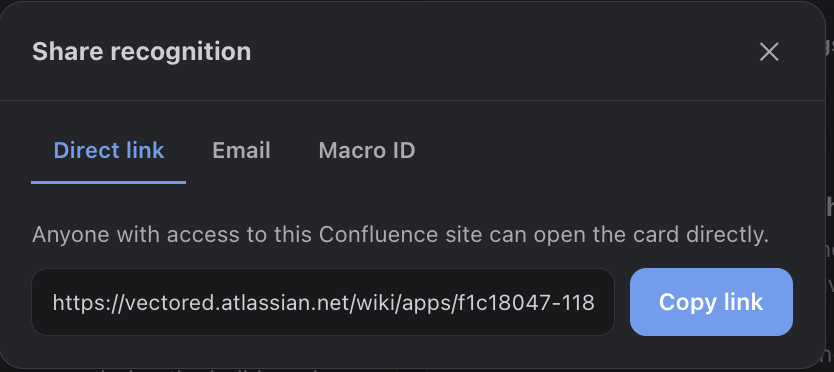
Every card has a share button (share icon) opening two tabs: Direct link and Email.
Direct Links
The direct link deep-links into the hub and opens that recognition as a popup over the mural — same link used in notification emails' “View this recognition” button. Anyone with access to your monday.com site can open it.
Sharing by Email
The Email tab lets you send the recognition to teammates on your site (searchable picker) and to raw email addresses for people the picker can't find. Sends use your configured email provider and the same rich template as notifications.
Where your data is stored. Recognition Hub keeps its own PostgreSQL database — recognitions, comments, reactions, reward ledgers and cached profiles live there rather than in monday.com storage, so you choose the provider and region. Privacy & Data Handling has the full picture.
Embedding a card on a page
Not available on monday.com. The Confluence build of Recognition Hub can embed a live card inside a wiki page through a page macro; monday.com has no equivalent inline-content surface, so the card lives in the hub and is shared by link or email instead.