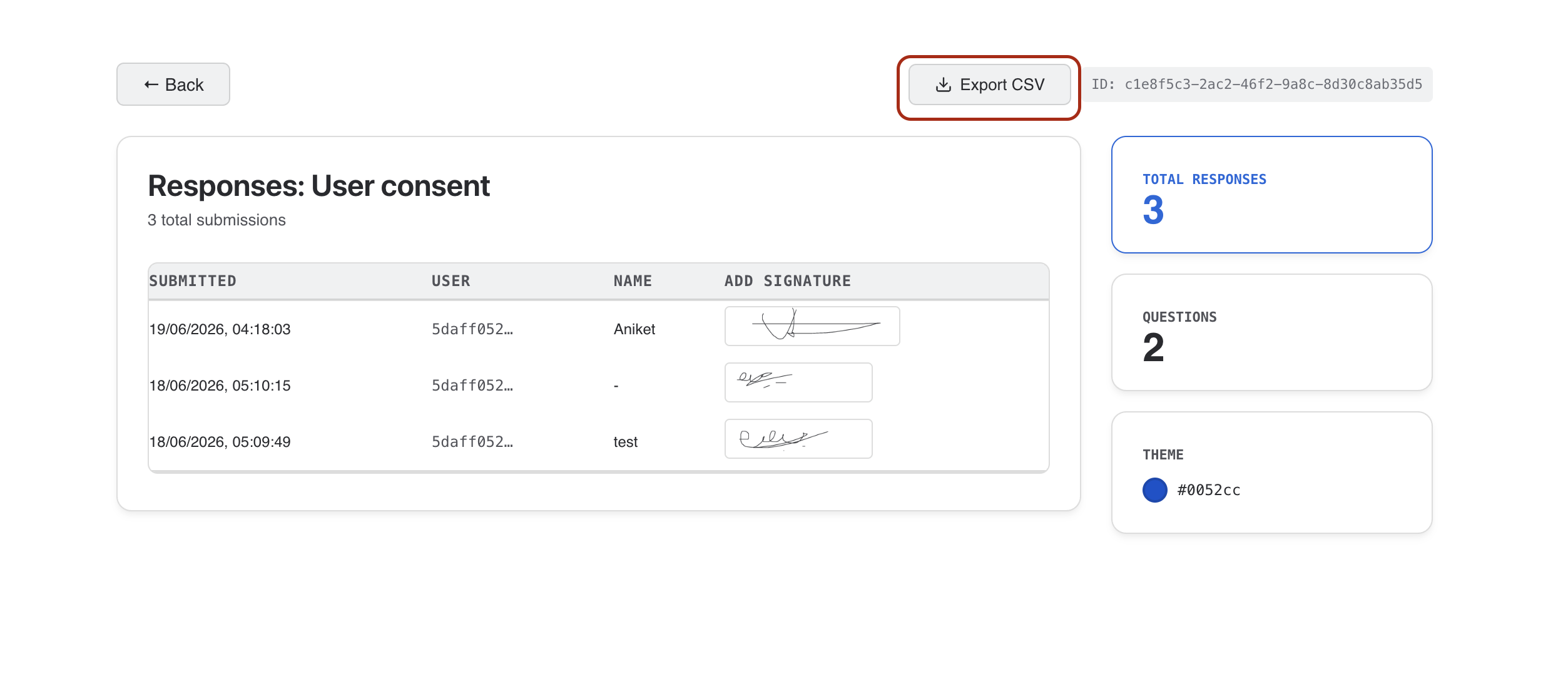
Response Table
All submissions are displayed in a table with one column per form field. Signature fields show as thumbnails inline.
CSV Export
Click the CSV export button to download all responses as a spreadsheet-compatible file for offline analysis.
Save as PDF
Optionally enable a "Save as PDF" button on the thank-you screen so respondents can download a copy of their submission. Toggle this in the Action settings panel.