1. Installation
Install Forms & Frontdoor directly from the Atlassian Marketplace. Search for Forms & Frontdoor, click Install, and authorize the app for your site. Once installed, it appears in your Confluence apps list and is ready to use immediately.
2. Opening the Dashboard
Navigate to Apps > Forms & Frontdoor Dashboard from your Confluence top navigation. The dashboard shows all forms on your site with search and filter controls so you can quickly find what you need.
3. Creating Your First Form
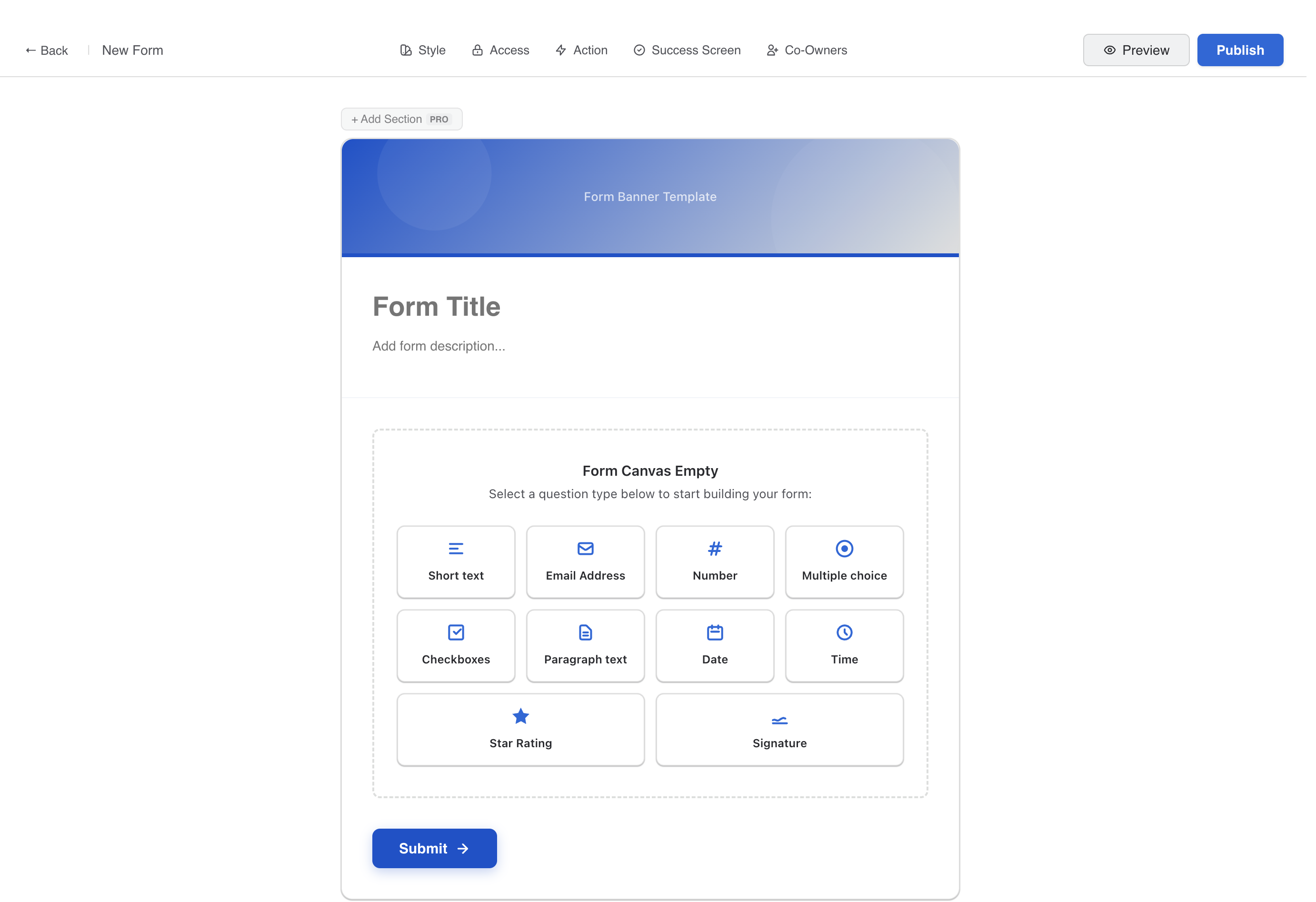
Click New Form to open the builder canvas. Add questions by clicking the + Add Question button. Choose from field types like short text, multiple choice, date pickers, and more. Drag to reorder, and your form saves automatically.
4. Embedding on a Page
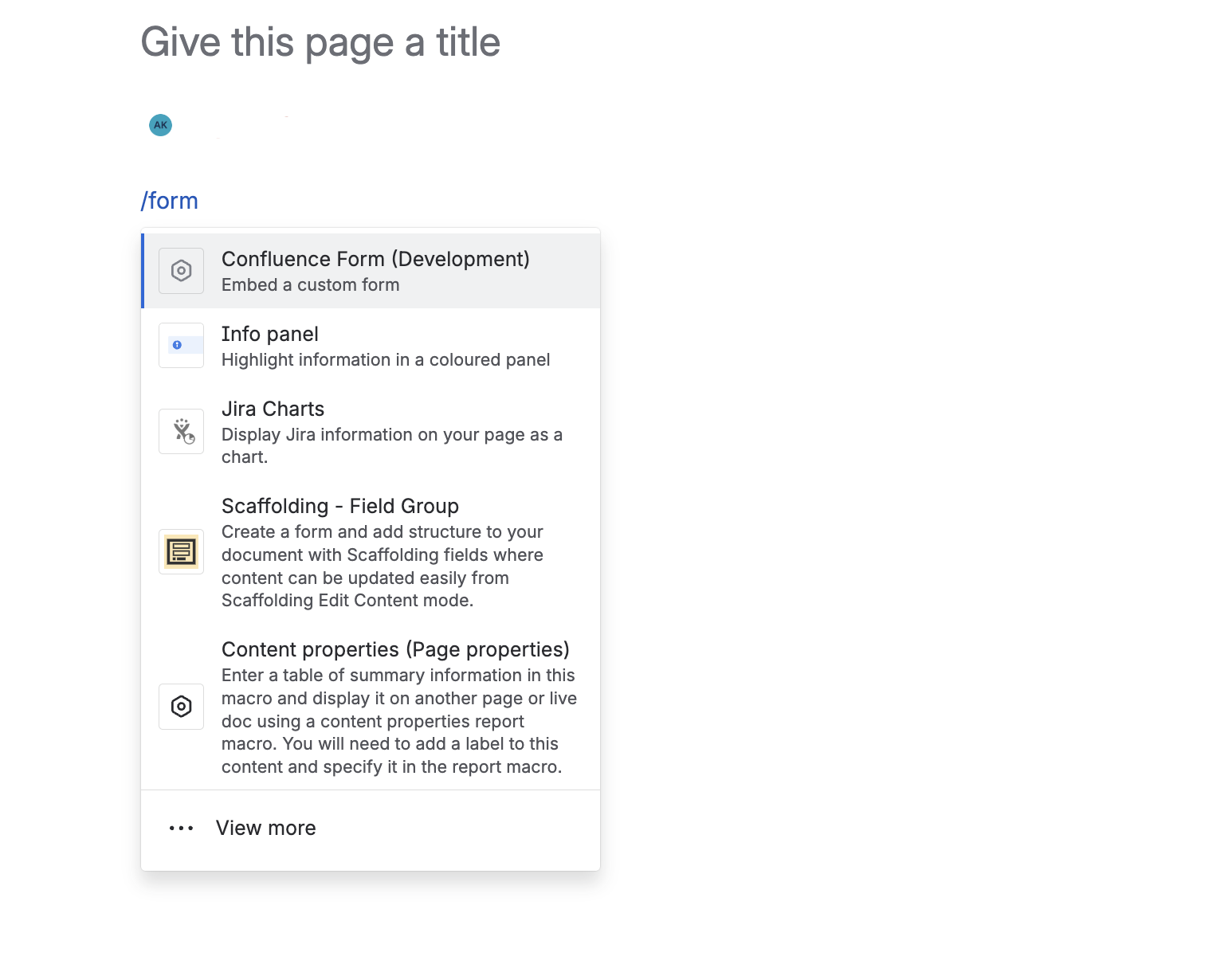
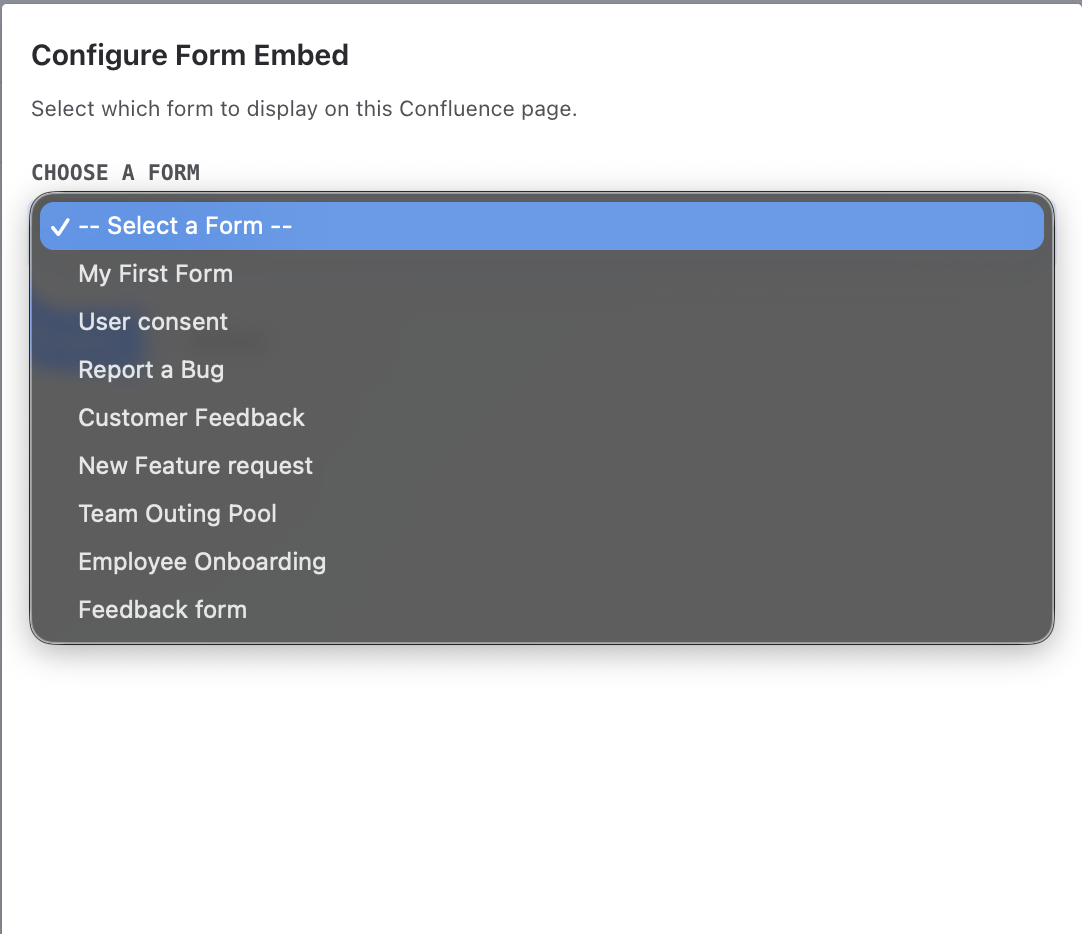
Edit any Confluence page and type /form (or search for "Forms & Frontdoor") to insert the macro. Click the pencil icon on the macro to open configuration, then select the form you want to embed.