Embedding in Confluence
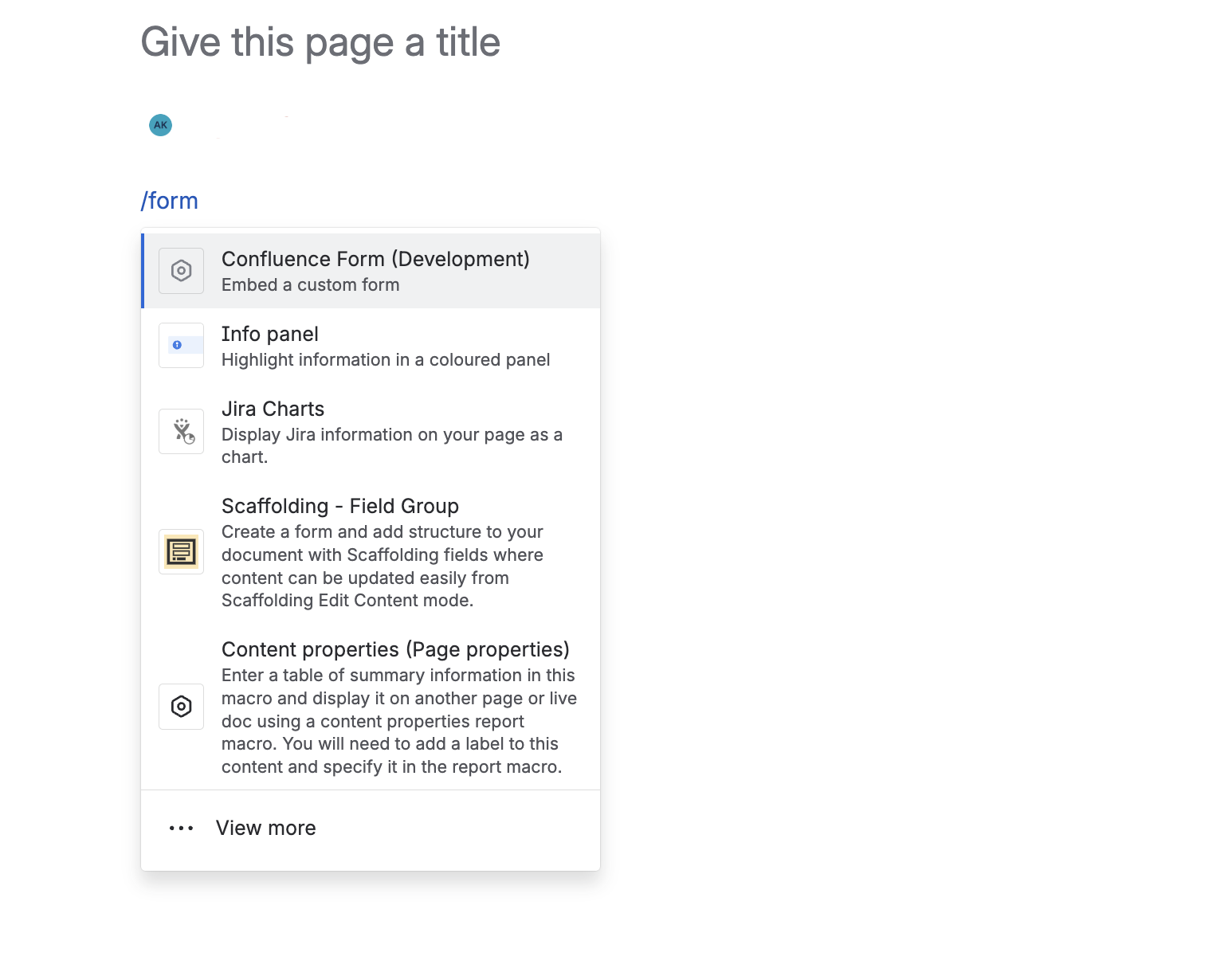
To embed a form in a Confluence page:
- Type
/formin the page editor - Select the Forms & Frontdoor macro from the search results
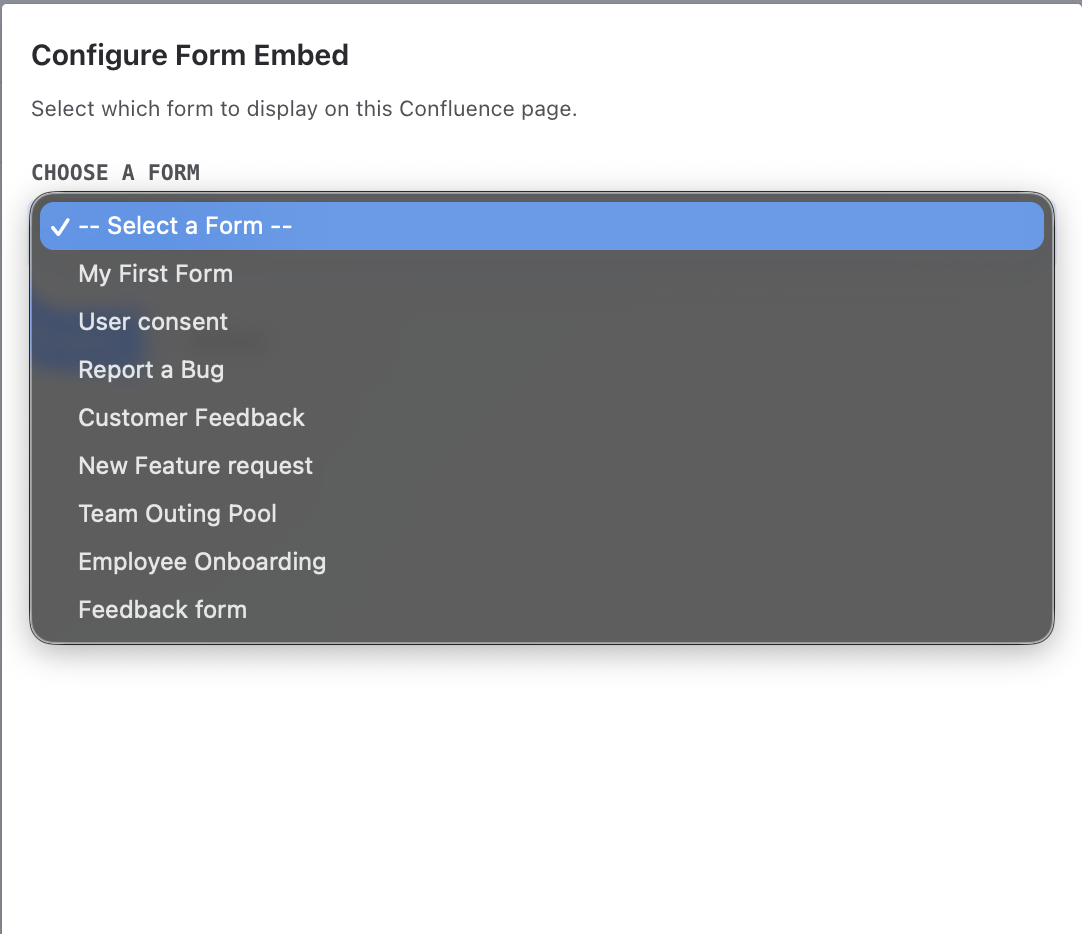
- Click the pencil icon to open the macro configuration
- Choose your form from the dropdown list
Direct Shareable Links
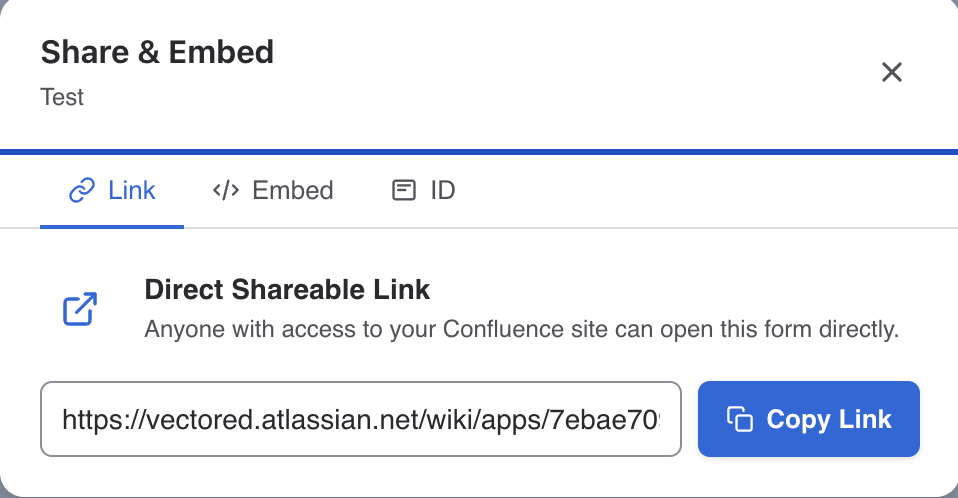
Share forms outside of Confluence pages using direct links. Open the Share modal to access three tabs: Link (direct URL), Embed (iframe code), and ID (form identifier for API use).