Part of the API Studio: Complete Tutorial Series, 46 short videos covering every feature.
TESTING
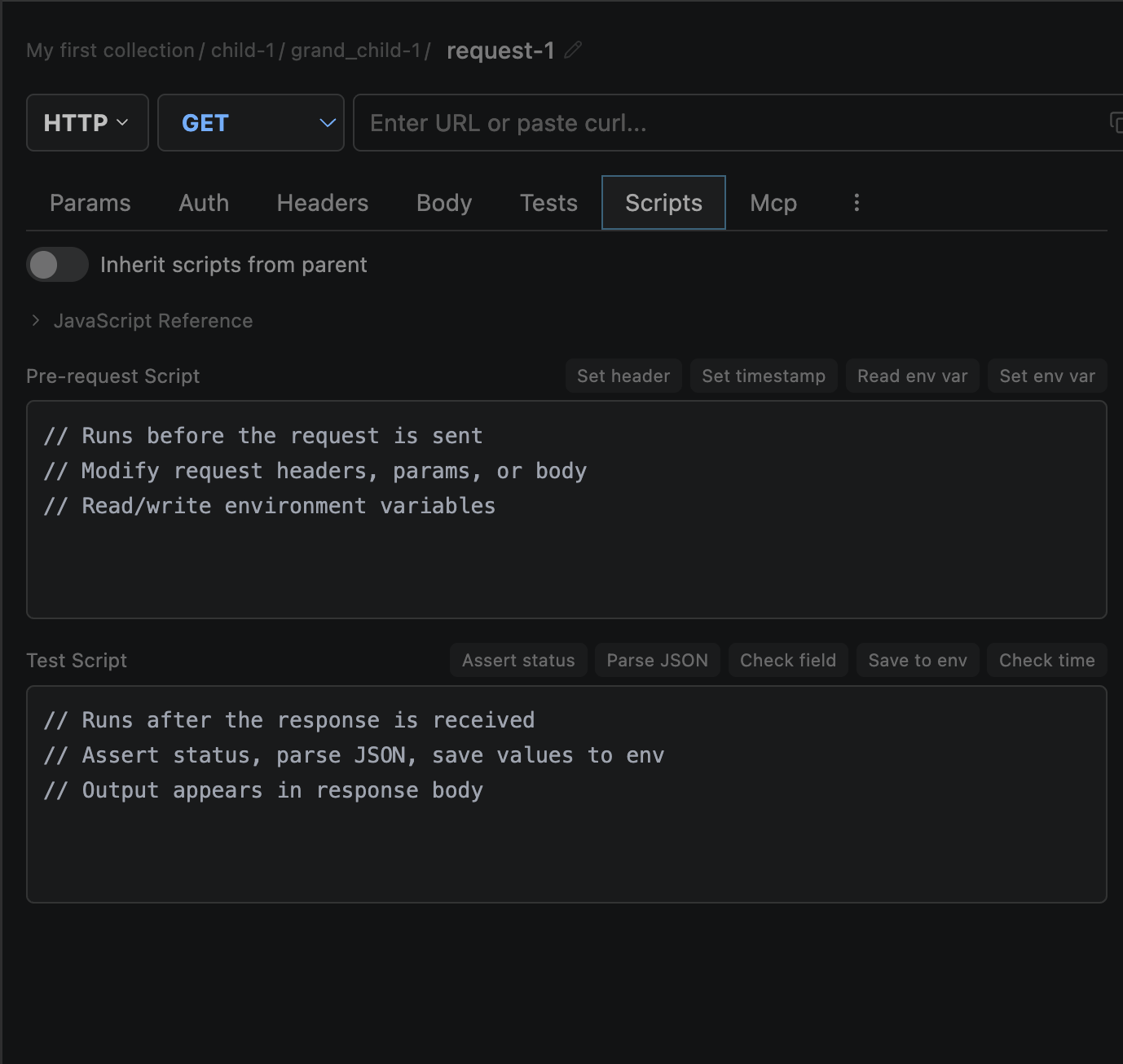
Purpose
Pre-request scripts are JavaScript that runs before the HTTP request is sent. Use them to dynamically modify the request — add headers, change the URL, generate tokens, or set timestamps.
Timing: Runs after auth injection but before the HTTP send. This means auth headers are already present and can be read or modified.
Writing Scripts
Open the Scripts tab (requires Advanced Mode) and write JavaScript in the pre-request editor.
JavaScript syntax highlighting in the editor
5-second timeout — scripts that exceed this are terminated
Sandboxed VM — no file system or network access
console.log() output shown in the Test Results tabAvailable APIs
| Object | Members | Access |
|---|---|---|
| request | headers (KeyValue[]), url, method, body | Read/Write |
| environment | get(key), set(key, value) | Read/Write |
| console | log(), assert() | Write |
| Built-ins | JSON, Math, Date, crypto (randomUUID), Buffer, atob/btoa | Read |
Common Patterns
Add timestamp header
request.headers.push({
  key: 'X-Timestamp',
  value: Date.now().toString(),
  enabled: true
});
Generate request ID
request.headers.push({
  key: 'X-Request-Id',
  value: crypto.randomUUID(),
  enabled: true
});
Conditional URL rewrite
if (environment.get('env') === 'staging') {
  request.url = request.url.replace('api.', 'staging-api.');
}
Script Inheritance
Scripts concatenate from collection → folder → request. The collection pre-request script runs first, then folder-level, then request-level.
Collection pre-request runs first
Then folder-level scripts (in nesting order)
Then request-level script runs last
Breaking the chain: A folder with
inheritScripts: false stops the chain above it — parent scripts are excluded. A request with inheritScripts: false uses only its own script.
Execution Order
Where pre-request scripts fit in the full request pipeline:
Auth inject
→
PRE-REQUEST SCRIPT
→
Cookies attach
→
HTTP send